




The best email marketing tool for your business is the one that matches your audience, your content and your budget. Today's tools offer targeting, segmentation and automation that used to need a large budget, so small businesses can run campaigns that compete with much bigger brands.
Whatever your industry, customers need to know you are there and how to buy from you. Email remains one of the most direct ways to stay in front of them, because you own the list.
How Do You Choose an Email Marketing Tool?
Start with your audience, not the tool. Before you compare features, answer these questions:
- Who is your audience, and how large is your list today?
- What kind of content does your audience find most useful?
- Which emails do you need to automate, such as welcome series, abandoned carts or appointment reminders?
- Which systems must the tool connect to, such as your website, store or CRM?
Once you have the answers, it is much easier to pick a tool that fits.
What Makes a Good Email Marketing Tool?
- An easy editor that lets you build good-looking, mobile-friendly emails quickly.
- Segmentation and automation, so the right people get the right message at the right time.
- Reporting on clicks, conversions and unsubscribes. Treat open rates with caution, since privacy features in some email apps can inflate them.
- Strong deliverability and authentication support. Gmail's sender guidelines ask bulk senders to authenticate their domain with SPF, DKIM and DMARC and to offer one-click unsubscribe, so choose a tool that makes this easy.
Note: plan names, limits and prices below were checked against each provider's pricing page in October 2026. Providers change them often, and prices vary by region and list size, so check before you decide.
Mailchimp
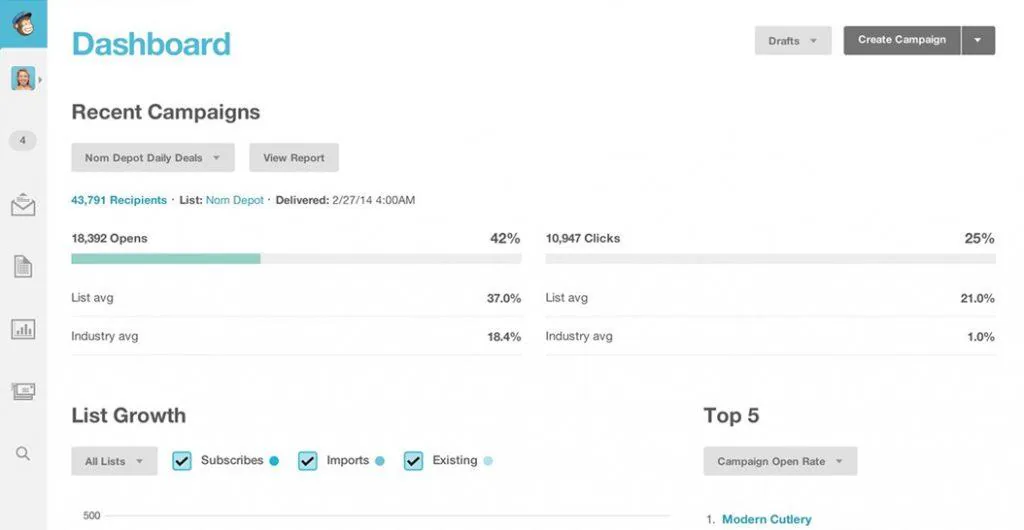
Mailchimp is one of the best-known email marketing services, with a drag-and-drop builder, templates and automation. It offers Free, Essentials, Standard and Premium plans. The free plan is small: up to 250 contacts and 500 sends a month, with a daily limit of 250. It suits first-timers testing email; most growing businesses will need a paid plan.
Constant Contact
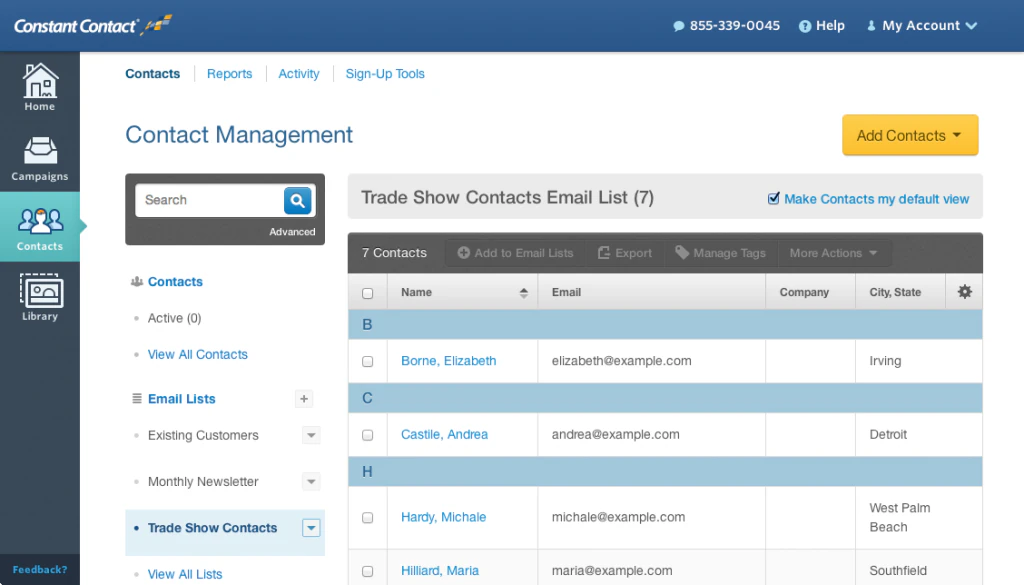
Constant Contact is a beginner-friendly tool that keeps email lists, contacts and templates in one place, with support by phone and chat and a library of learning resources. Its paid plans are Lite, Standard and Premium, priced by number of contacts. It does not offer a permanent free plan, but it has offered a free trial, so check current terms on its pricing page.
Sender
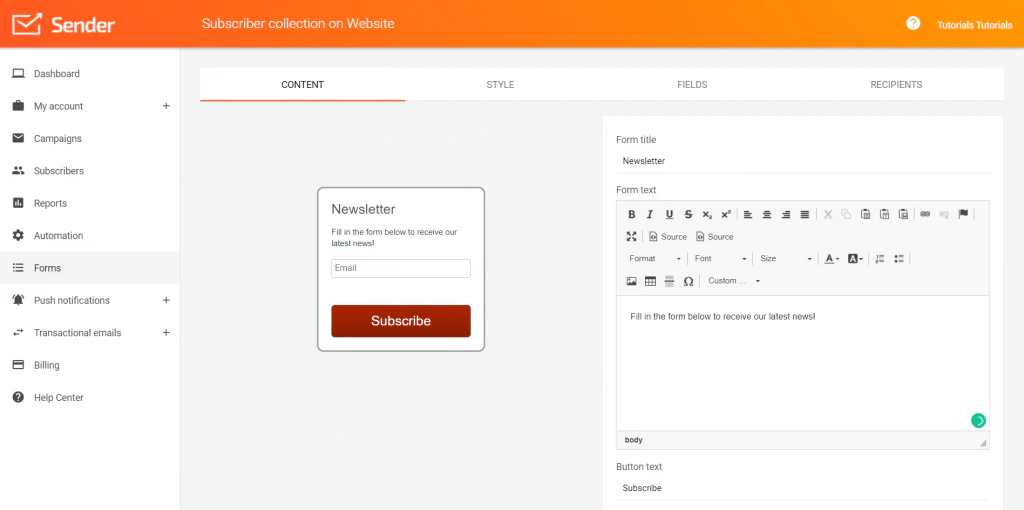
Sender is a good fit for ecommerce businesses on a budget. It makes automated emails easy to set up, and its product import feature pulls product details into newsletters so you don't have to retype them. Its Free Forever plan covers up to 2,500 subscribers and 15,000 emails a month, with paid Standard and Professional plans for larger lists and more features.
Getting More From Whichever Tool You Choose
The tool matters less than how you use it. Segment your list, give each email one clear call to action and test as you go. Our guide on how to improve your email click-through rate walks through four steps. And make sure the pages your emails link to load fast and convert; our web development team can help with that.