


User experience (UX) design is the practice of building products people find easy, efficient and enjoyable to use. A few years ago, data-led design, product-minded designers and cross-device consistency were described as trends. Today they are part of how good product teams work, and AI has raised the stakes on each one. Here are the four shifts, what current research says about them, and what they mean for the teams shipping your website, app or platform.
1. Data-Led Design Is Now the Default
Better data makes better experiences. Analytics, session recordings, heatmaps and in-product surveys show teams where users struggle, and AI tools now help summarize that evidence faster, from clustering open-ended feedback to flagging pages where visitors drop off.
The risk has shifted from having too little data to trusting it too quickly. Numbers tell you where people struggle, not why. Pair analytics with direct research, such as usability tests and customer interviews, before you redesign. If you are setting up measurement from scratch, start with our Google Analytics 4 setup guide.
2. UX Covers the Whole Journey, Including AI Answers
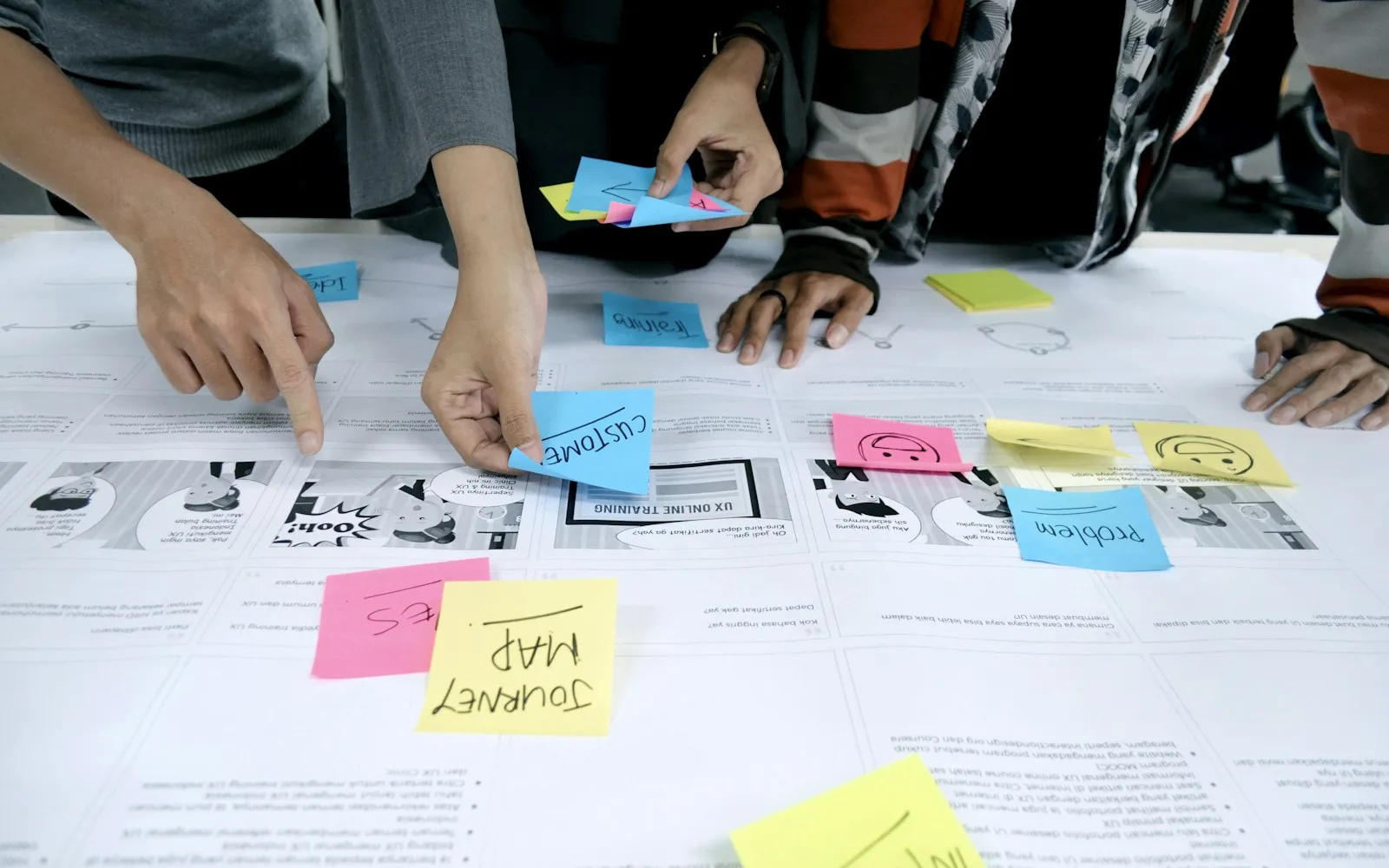
UX is not only about individual screens. It covers the whole customer journey, from the first contact with a brand to support after purchase, so it belongs in every team rather than in a silo.
That journey now often starts outside your website. Customers ask ChatGPT, Gemini, Claude, Perplexity and Google AI Overviews for recommendations before they ever visit. What those tools say about you, and whether the page they link to answers the question clearly, is part of the experience. Our guide to how LLMs choose sources to cite explains how that first impression is formed.
3. Designers Think Like Product Managers, and the Roles Overlap
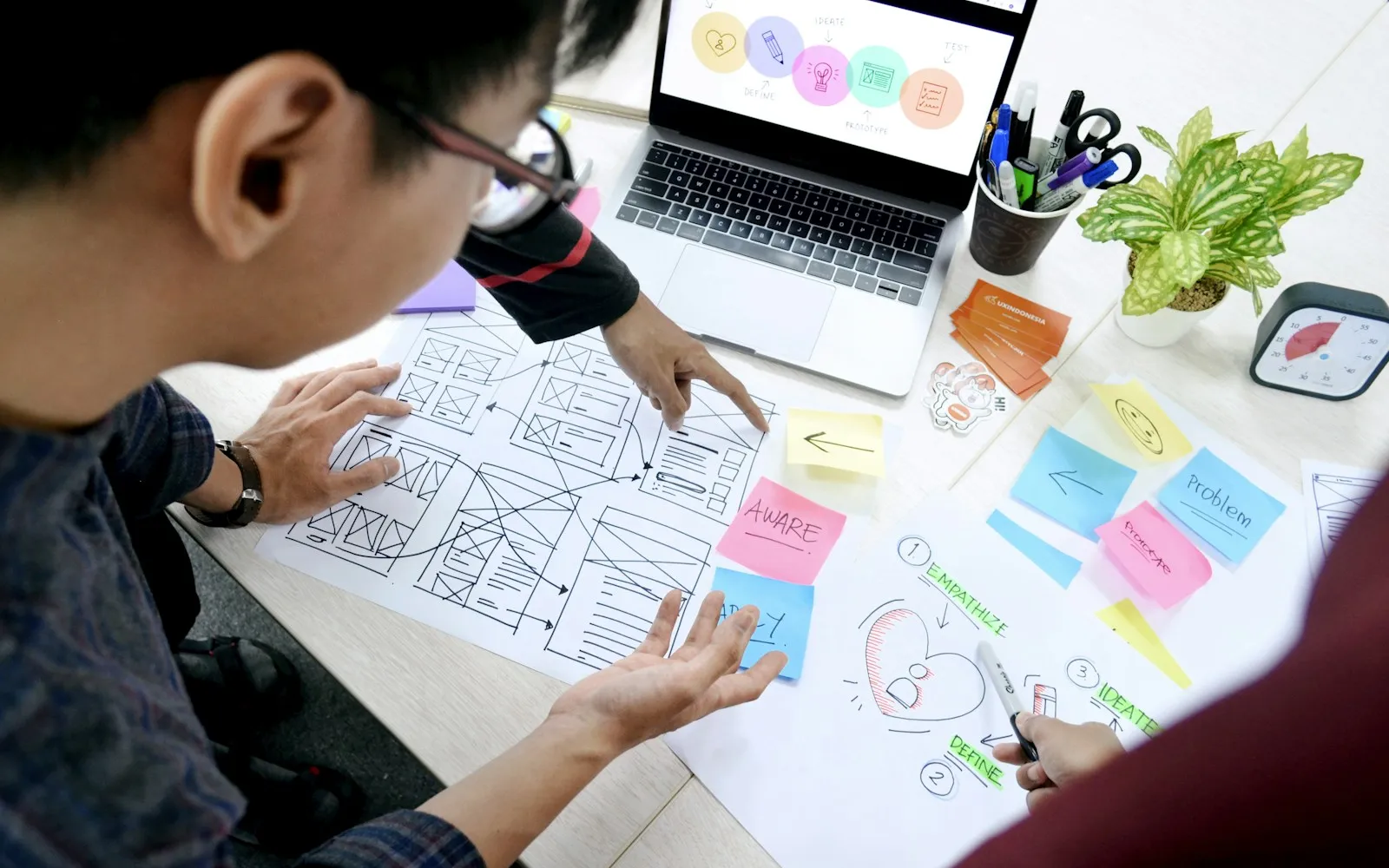
Designers who understand product management help companies make better decisions. They can weigh user needs against business goals and technical limits, not just screens.
AI tools are blurring the lines further. In Figma’s 2026 AI report, based on 8,403 survey responses from designers, developers and product managers across ten markets, the share of designers participating in development doubled to 41%, and the share of developers doing design work rose from 44% to 60%. Ninety percent of respondents said design is at least as important as it was before AI (Figma).
When anyone can generate a screen in minutes, the scarce skill is judgment: knowing which problem is worth solving and whether the result actually works for users. If your team wants to build those skills, our UX and UI masterclass covers the fundamentals in a hands-on format, and our design thinking masterclass focuses on problem framing.
4. Consistency Across Every Device
Customers move between phone, tablet, desktop and increasingly voice and chat interfaces, often within one purchase. The experience has to hold up on all of them, with the same content, the same prices and a journey that picks up where they left off.
Design systems, shared component libraries and responsive templates make this manageable. Accessibility belongs here too: clear contrast, readable text and logical structure help people on small screens, people using assistive technology and the machines that read your pages.
What AI Changes for UX Teams
Nielsen Norman Group’s State of UX 2026 report captures the mood well: “2026 is shaping up to be the year of AI fatigue.” Its authors argue that interface polish alone will matter less over time (“UI is still important, but it’ll gradually become less of a differentiator”) and that teams should design more deeply, around real problems, to stand out (Nielsen Norman Group).
In practice, that means:
- Add AI only where it solves a real problem. A chatbot that can’t answer basic questions is worse than a clear FAQ.
- Design for trust. Say where AI is used, show sources, and give people an easy way to reach a human.
- Test AI features like any other feature. Define what a good output looks like and check it with real questions. Our guide on how to build AI evals shows a simple method.
- Keep research human. AI can summarize feedback, but it can’t replace watching a real customer struggle with your checkout.
Putting These Shifts to Work
None of these shifts requires a big redesign to get started. Pick one journey that matters to revenue, such as booking, sign-up or checkout, look at the data, watch five people use it, and fix the biggest problem. Then repeat. If you want experienced help, our UX and UI services team runs this kind of review with product and marketing teams.